
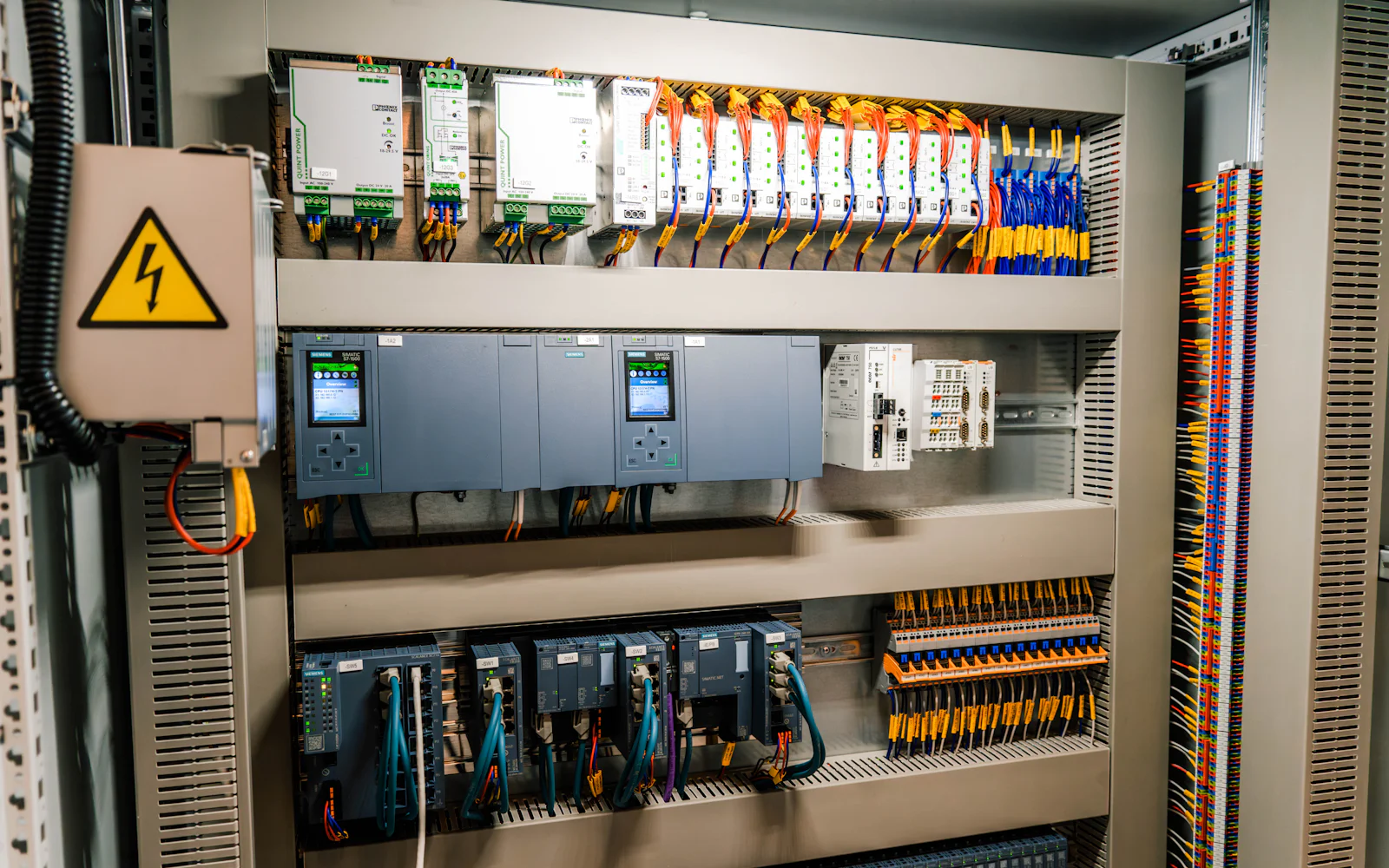
S7-300 to S7-1500 migration: a practical checklist
Thousands of machines in Pakistan still run on Siemens S7-300 PLCs. They have been reliable for decades, which is exactly why many plants have not planned what happens next. An S7-300 to S7-1500 migration is not difficult when it is planned, and painful when it is forced by a dead CPU in the middle of the season. This is the checklist we use.
Why plan the upgrade now
Siemens started the S7-300 phase-out in 2023, so every PLC upgrade you postpone gets a little harder. Spare parts are still available for a period, but prices rise and lead times grow as stock runs down. The practical risks for a plant are:
- A failed CPU or module that takes weeks to replace.
- Old programming PCs running STEP 7 Classic on outdated Windows versions.
- Fewer engineers comfortable with the older tools each year.
The S7-1500 also brings real benefits: faster CPUs, built-in PROFINET, better diagnostics, web server and trace functions, and security features the S7-300 never had.
Step 1: Audit what you have
Before touching anything, upload the running program from the PLC and compare it with any backup you have. It is common to find that the "official" backup is years older than what is in the CPU. Then list:
- CPU type and firmware, every I/O module and its address.
- Communication: MPI, PROFIBUS DP, PROFINET, links to HMIs, drives and other PLCs.
- Any special modules: counters, positioning, weighing, communication processors.
Step 2: Decide what happens to the I/O
The biggest cost decision is the I/O. There are three common routes:
| Option | When it fits |
|---|---|
| Replace everything with S7-1500 or ET 200SP I/O | Panel rebuild planned anyway; longest life |
| Keep existing distributed I/O on the network | I/O in good condition; minimal rewiring |
| Staged migration | Large plants where only one area can stop at a time |
Step 3: Migrate and clean the program
TIA Portal can import STEP 7 Classic projects, first as an S7-300 project in TIA Portal and then changed to an S7-1500 device. The tool does a lot of the work, but not all of it. Expect to fix:
- Absolute addressing and pointer tricks that do not suit optimised blocks.
- System functions that have newer equivalents on the S7-1500.
- HMI connections and tags, which need to be remapped.
This is also the right moment to add comments, standardise motor and valve blocks and remove dead code. Good PLC programming at this stage pays back for the next twenty years.
Step 4: Test before the shutdown
We test migrated programs in the workshop with PLCSIM or real hardware, step through every interlock and alarm, and run the HMI against the new PLC. Nothing is tested for the first time on the plant floor.
Step 5: Plan the cut-over
- Schedule it for a planned shutdown or the off-season.
- Keep the old PLC and program ready as a fallback.
- Do loop checks signal by signal, then run with operators present.
- Hand over the final program, backups and an updated I/O list.
Common questions
Can the HMI stay the same? Sometimes, if the panel supports the S7-1500. Often it is a good time to upgrade SCADA and HMI screens as well.
How long does it take? For a single machine, design and testing usually take a few weeks, and the cut-over itself can often be done in a day or two of shutdown.
Planning an S7-300 migration? Send us your CPU model and I/O count and we will suggest the simplest route. Contact us.
Machine down or planning an upgrade?
Send us the PLC model and the problem. We reply within one working day.